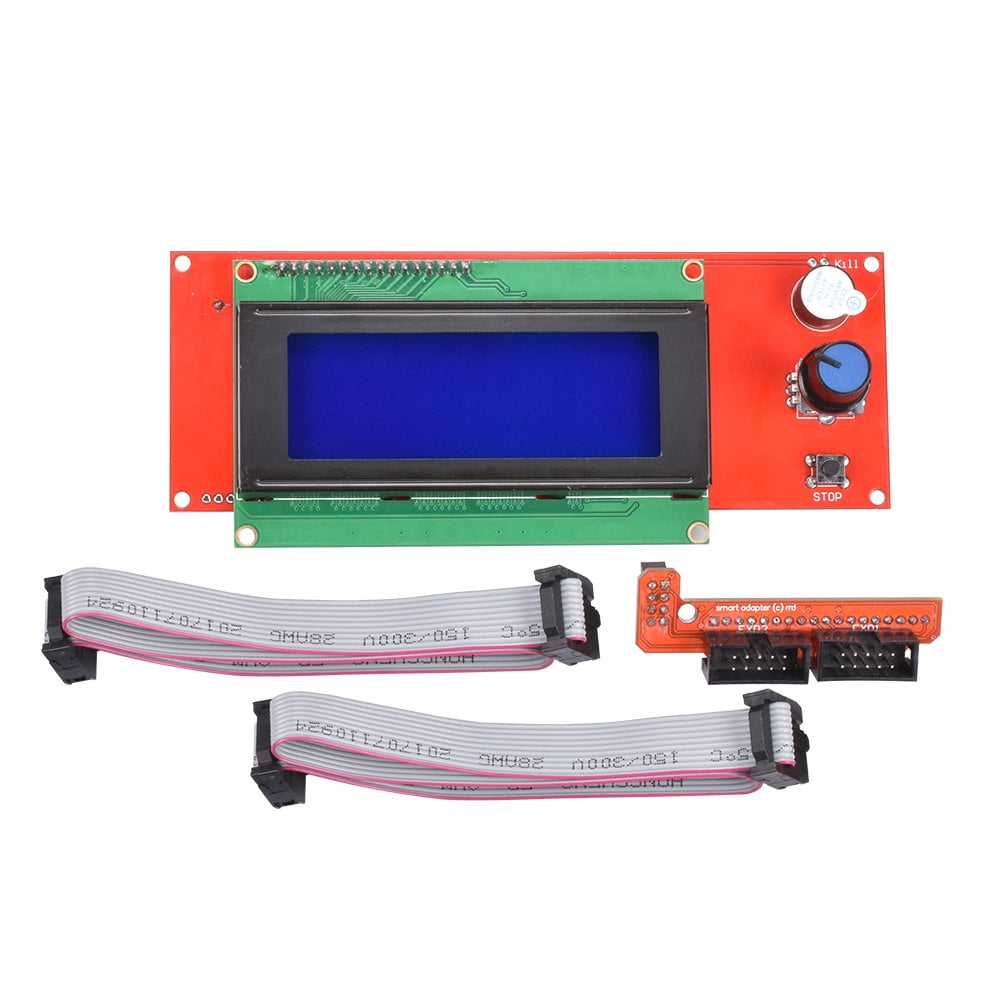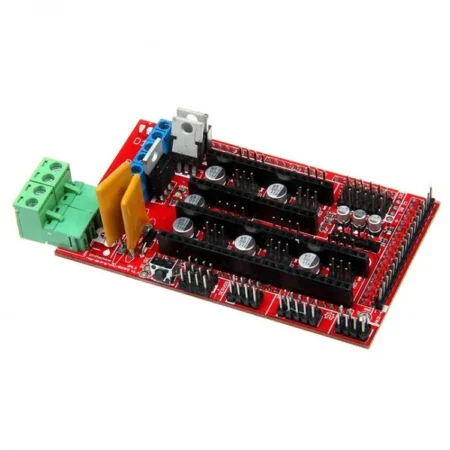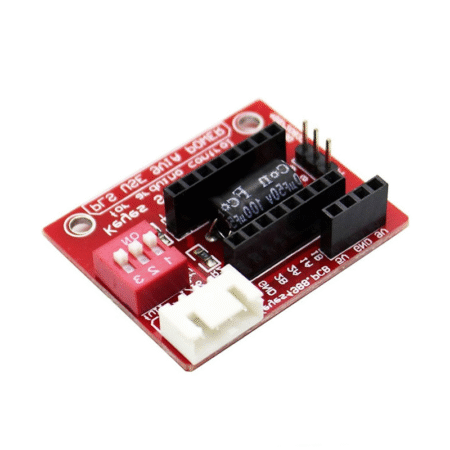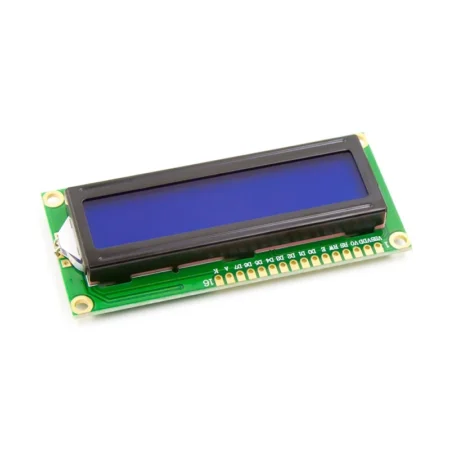
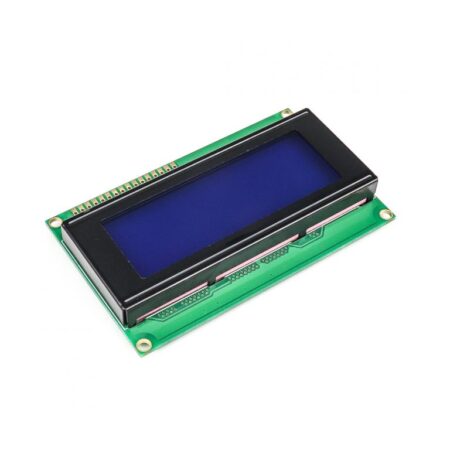
3D Printer RAMPS LCD20x4 LCD2004 Smart Controller with Adapter
- RAMPS 1.4 2004 LCD Display intelligent controller.
- LED background light control circuit, a small function of the intelligent controller,
- With pin short time to decide on all LED turn or steering 30 seconds
- You can turn on the light time to do the long or short form of the adjustment TRIMM R4100K from 10 seconds to 2 minutes.
- Plug and play on the RAMPS, but need to modify the firmware to support.
- The product comes encoder parameter adjustment can be achieved, and the file selection print.
- With an SD card base on the back, put slicing file into the SD card and select the file on the LCD, then can be printing.
- Description
Description
The 2004 LCD Display RepRapDiscount Smart Controller with Adapter contains an SD-Card reader, a rotary encoder and a 2004 LCD display. You can easily connect it to your RAMPS board using the “smart adapter”.
After connecting this panel to your RAMPS you don’t need your pc anymore, the Smart Controller supplies power for your SD card. Furthermore, all actions like calibration, axes movements can be done by just using the rotary encoder on the Smart Controller. Print your 3D designs without PC, just with a g-code design stored on the SD card.
Marlin V1 (new)
We have provided the Arduino Code to Start smart LCD with RAMPS. You have to open the “Arduino code pdf “(Which is Provided below ) and go to “Configuration.h”and change as
Installation: In “Configuration.h”
- Change “#define REPRAP_DISCOUNT_SMART_CONTROLLER” (just remove the // at the beginning)
Upload the code, power off the Arduino, connect the panel, reapply power, and everything should work.
or
Step 1: Download and install U8glib to your ARDUINO IDE’s library folder
Step 2: Edit Configuration.h in Marlin firmware, Search and Uncomment (just remove the // at the beginning)
#define REPRAP_DISCOUNT_FULL_GRAPHIC_SMART_CONTROLLER
Step 3: Then Compile and Upload the firmware
Step 4: Power off the Arduino, connect the panel, reapply power, and everything should work.
Features :
- RAMPS 1.4 2004 LCD Display intelligent controller.
- LED background light control circuit, a small function of the intelligent controller, With pin short time to decide on all LED turn or steering 30 seconds
- You can turn on the light time to do the long or short form of the adjustment TRIMM R4100K from 10 seconds to 2 minutes.
- Plug and play on the RAMPS, but need to modify the firmware to support.
- The product comes encoder parameter adjustment can be achieved, and the file selection print.
- With an SD card base on the back, put slicing file into the SD card and select the file on the LCD, then can be printing.
Package Includes :
1 x 2004 LCD Display Smart Controller for ramps 1.4
1 x Smart Adapter.
2 x 30cm FC Cable.
Specifications
| Input Supply Voltage (VDC) | 5 |
| Cable Length (cm) | 30 |
| Length (mm) | 150 |
| Width (mm) | 64 |
| Height (mm) | 24 |
| Shipment Weight | 0.14 kg |
| Shipment Dimensions | 16 × 10 × 6 cm |
Attachments
Related Products
Digital Multi Servo Tester ESC RC Consistency CCPM Master Speed Control 3 Channel
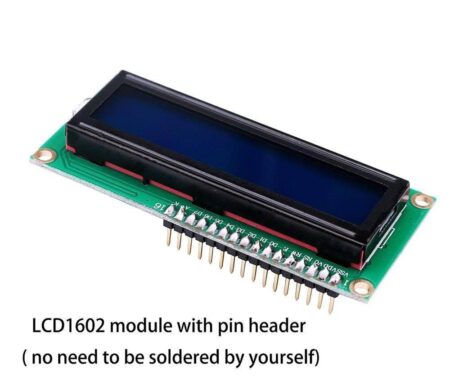
LCD1602 Parallel LCD Display with Green Backlight
LCD 12864B Graphic Blue Color Backlight LCD Display Module 12864-20M v3.3
L293D PowerDIP-16 Stepper Motor Controller/ Driver
LCD1602 Parallel LCD Display with Blue Backlight 1602A
Products With Similar Tags
A4988/DRV8825 Stepper Motor Driver Expansion Board (NEMA17)
LCD1602 Parallel LCD Display with Blue Backlight 1602A
0.96 Inch I2C/IIC 4-Pin OLED Display Module Blue
LCD 12864B Graphic Blue Color Backlight LCD Display Module 12864-20M v3.3
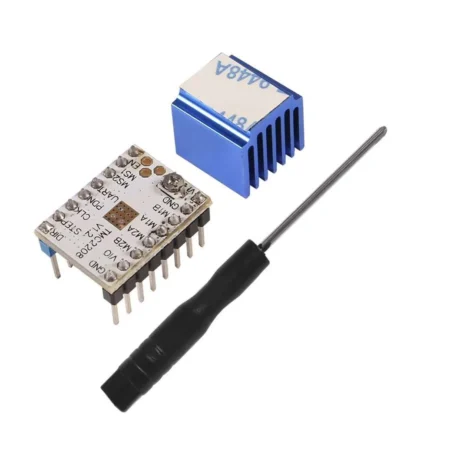
TMC2208 V1.2 Silent Stepper Motor Driver Module with Heat Sink and Screwdriver
OLED 1.3 Inch I2C IIC 4 pin OLED Display Module Blue
3D Printer Controller Board RAMPS 1.4 Arduino Mega Shield RepRap Prusa Model HIGH QUALITY
LCD1602 Parallel LCD Display with Green Backlight