
Out of stock
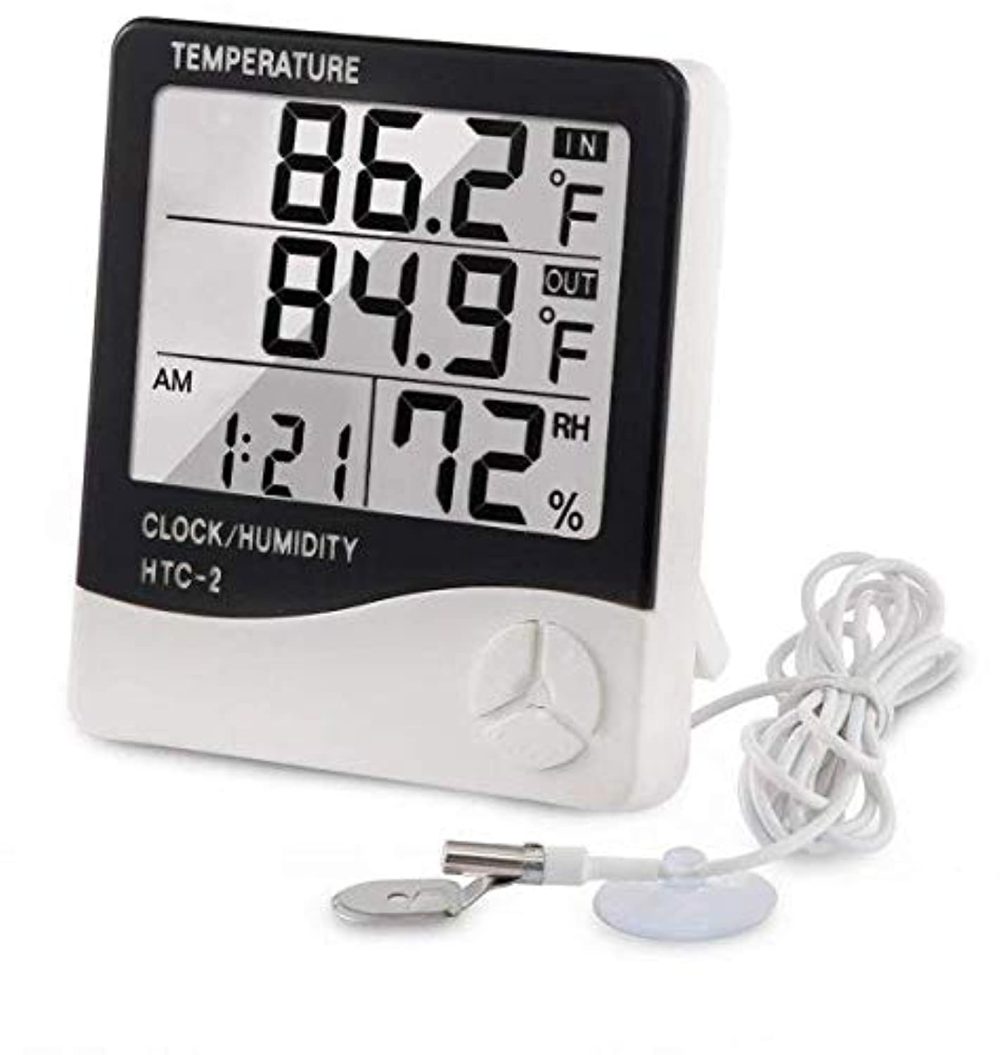
HTC–2 Digital Thermometer Hygrometer Clock Calendar with Sensor Probe
250.00 EGP
HTC–2 Digital Thermometer Hygrometer Clock Calendar with Sensor Probe
Quantities are confirmed after reviewing
your order. Orders are normally prepared
and shipped within 3–5 business days.
Online availability does not necessarily
mean the product is currently available
at the branch.
تأكيد الكميات بيتم بعد مراجعة الأوردر،
وتجهيز وشحن الطلب بيستغرق عادة من
3 إلى 5 أيام عمل.
توافر المنتج على الموقع لا يعني بالضرورة
توافره داخل الفرع، لذلك اعمل الأوردر
مسبقًا لتأكيد الكمية وتجهيزه.
Fast shipping
Delivery across Egypt
Flexible payment
Cash and online options
Quantity confirmation
Confirmed after order review
Technical support
Help choosing compatible parts
- Description
Description
HTC-2 Digital Thermometer Hygrometer Electronic Temperature Humidity Meter Gauge Home Indoor Outdoor Clock
Features:
- Basic function: temperature/humidity display.
- ℃/℉ Temperature switching display.
- Maximum/minimum humidity memory function.
- 12 / 24 hour clock.
- Hourly chime function.
- Daily alarm function.
- Calendar display function.
Specifications:
- Material: ABS
- Size: 10×9.2x2cm
- Power supply: 1.5V * 1x(AAA battery) (Included)
- Temperature measurement range: – 10 ℃ ~ + 70 ℃
- Temperature measurement accuracy: ± 1 ℃ (1.8 ℉)
- Temperature resolution: 0.1 ° C (0.2 ° f)
- Humidity measurement range: 10% RH – 99% RH
- Humidity measurement accuracy: ± 5% RH
- Humidity resolution: 1%
Operation method:
1. Push open the battery door according to the direction indicated by the back of the machine, take out the battery spacer, and then replace the battery door, the machine can be used.
2. Key function: (mode) switch, the clock and alarm display mode / set the current time, alarm clock, 12 or 24 / hour system, date: (adj) adjust the value of the item to be set; (memory) display the highest & lowest temperature humidity value in memory / clear the highest & lowest temperature humidity value in memory; (° C / ° F) switch the display of temperature unit (° C) or (° f).
3. In the initial state, press, and hold (mode) for 2 seconds, and the minutes of the current time will start flashing. Press (adj) to adjust the number of minutes. Press (mode) continuously to set “clock”, “12 / 24 ‘”, “month (m)”, and “day (d)” respectively.
4. Press (mode) once in the current clock mode (the two points between the clock and the minute flash once per second) to switch the display to the alarm mode (the two points between the clock and the minute do not flash). At this time, press (adj) to switch on and off the “alarm” function / the “alarm at integer hour”. Press and hold (mode) for 2 seconds to set the alarm time and start the “alarm at integer hour”()Symbol appears.
5. In alarm mode, if there is no operation, it will automatically return to the current clock one minute later. At this time, press (adj) once to switch to the calendar display, and then it will automatically return to the current clock three seconds later. Press max/min to display the maximum value of temperature/humidity since the last clear.
6. Press (memory) to display the maximum and minimum values of temperature/humidity, and press and hold (memory) for more than 2 seconds to clear the maximum and minimum values.
Related Products
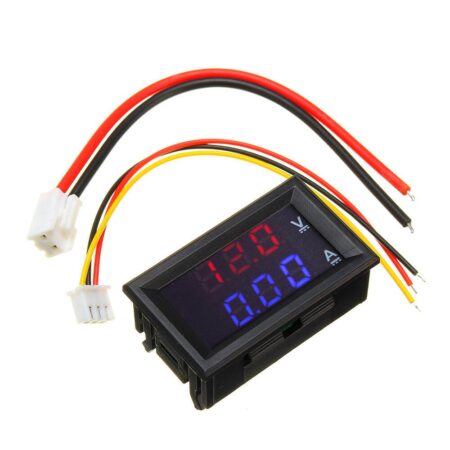
Dual Led 0.28 ” Display for DC0-100V 10A Voltage and Current Test Digital Instrument Digital Meter Panel Amplifier Red Blue 10A
Original price was: 120.00 EGP.100.00 EGPCurrent price is: 100.00 EGP.
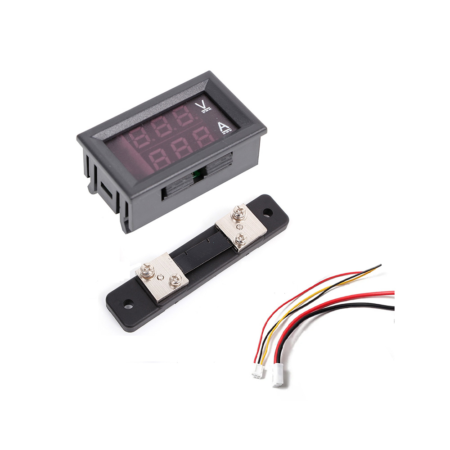
Dual Led 0.28 inch Digital Voltmeter Ammeter DC 100V 50A LED Amp Volt Meter With Shunt
Original price was: 250.00 EGP.195.00 EGPCurrent price is: 195.00 EGP.
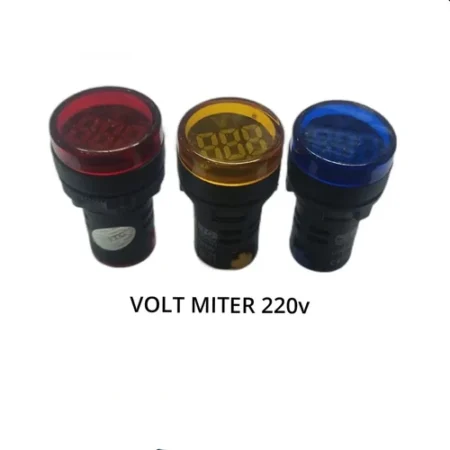
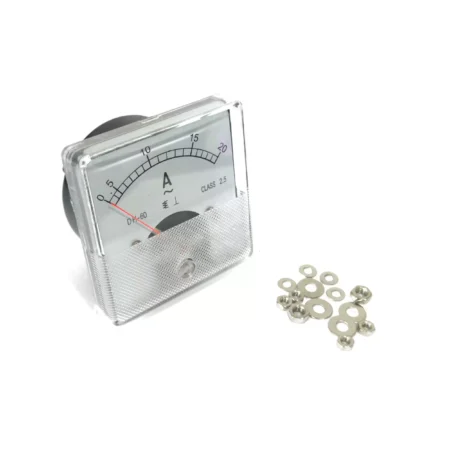
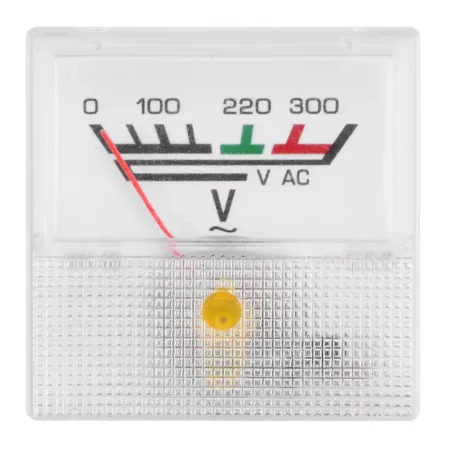
Panel Meter 91L16 AC voltmeter Analog Voltage Meter 300VAC 40*40MM
Original price was: 50.00 EGP.35.00 EGPCurrent price is: 35.00 EGP.
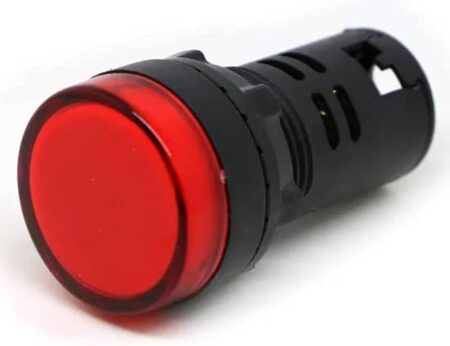
LED Indicator Pilot Light AD22-22DS AC 220V 20mA 22mm RED
Original price was: 30.00 EGP.18.00 EGPCurrent price is: 18.00 EGP.
Products With Similar Tags

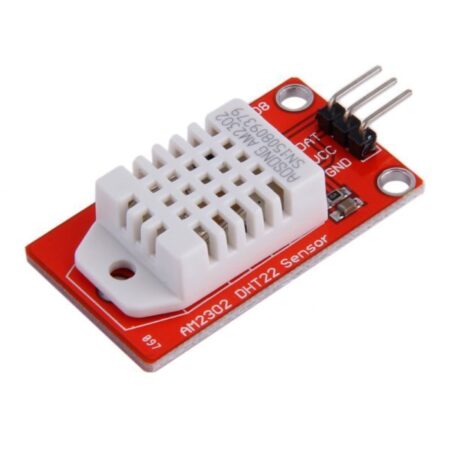
DHT22 (AM2302) Digital Temperature and Humidity Sensor Module
Original price was: 250.00 EGP.200.00 EGPCurrent price is: 200.00 EGP.
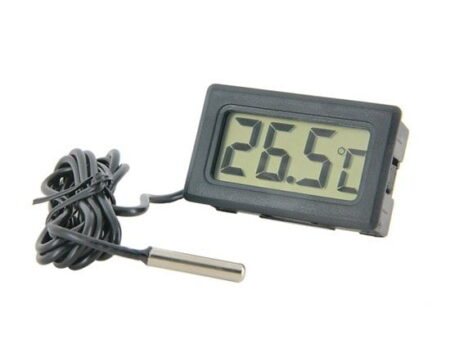
TPM-10 Digital Thermometer with Probe LCD Electronic Fish Tank Water Detector Thermometer
Price range: 80.00 EGP through 100.00 EGP
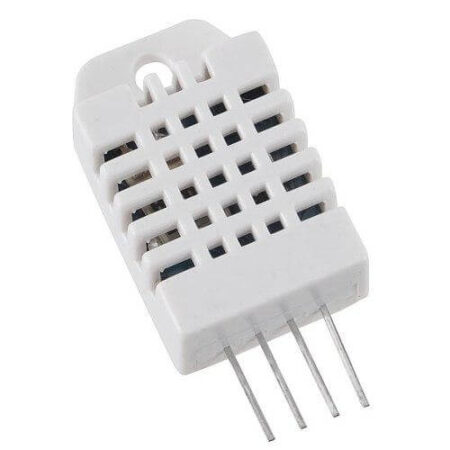
DHT22/AM2302 Digital Temperature & Humidity Sensor
Original price was: 300.00 EGP.180.00 EGPCurrent price is: 180.00 EGP.
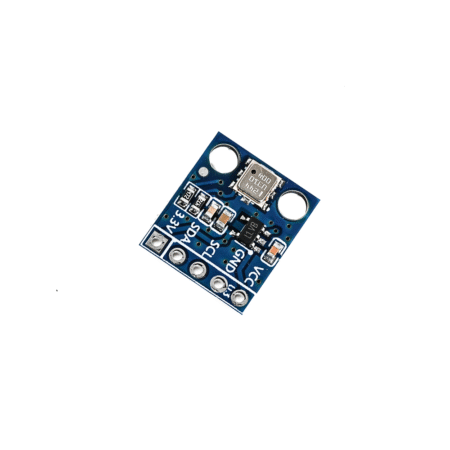
BMP180 Barometric Pressure and Temperature Sensor Module (Not Soldered)
Original price was: 150.00 EGP.120.00 EGPCurrent price is: 120.00 EGP.
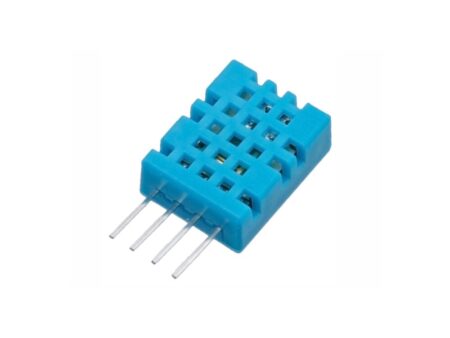
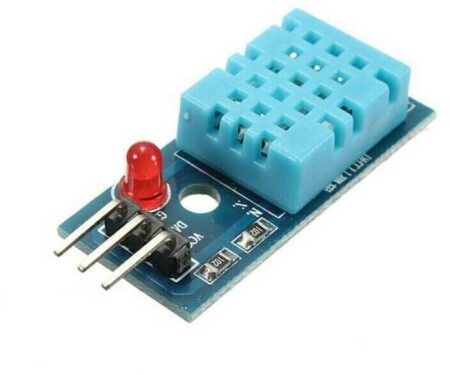
DHT11 Temperature And Humidity Sensor Module with LED
Original price was: 75.00 EGP.45.00 EGPCurrent price is: 45.00 EGP.
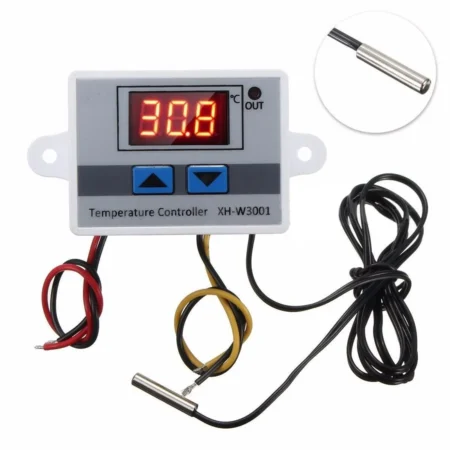
XH-W3001 AC 220V 1500W Digital Microcomputer Thermostat Switch HW-735
Original price was: 600.00 EGP.480.00 EGPCurrent price is: 480.00 EGP.
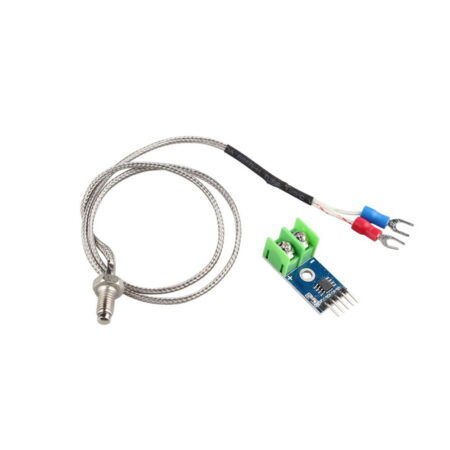
MAX6675 Module + K Type Thermocouple Sensor Measure 1024°C Temperature
Original price was: 300.00 EGP.250.00 EGPCurrent price is: 250.00 EGP.
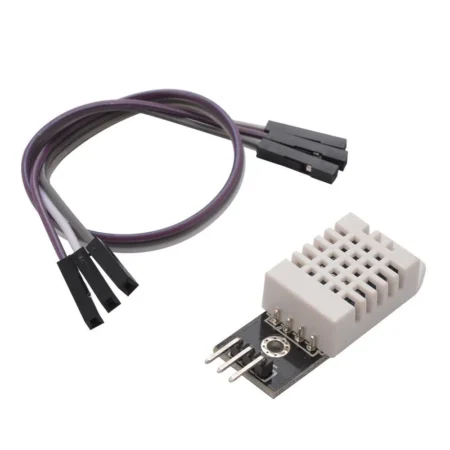

XH W1219 12V Digital Red+Green Display Temperature Controller Module W/ NTC Waterproof Temperature Sensor
Original price was: 200.00 EGP.160.00 EGPCurrent price is: 160.00 EGP.
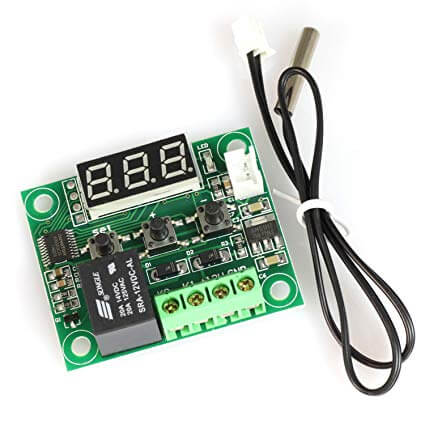
XH W1209 12V Digital Temperature Controller Module W/ Display and NTC Temp Sensor
Original price was: 110.00 EGP.75.00 EGPCurrent price is: 75.00 EGP.